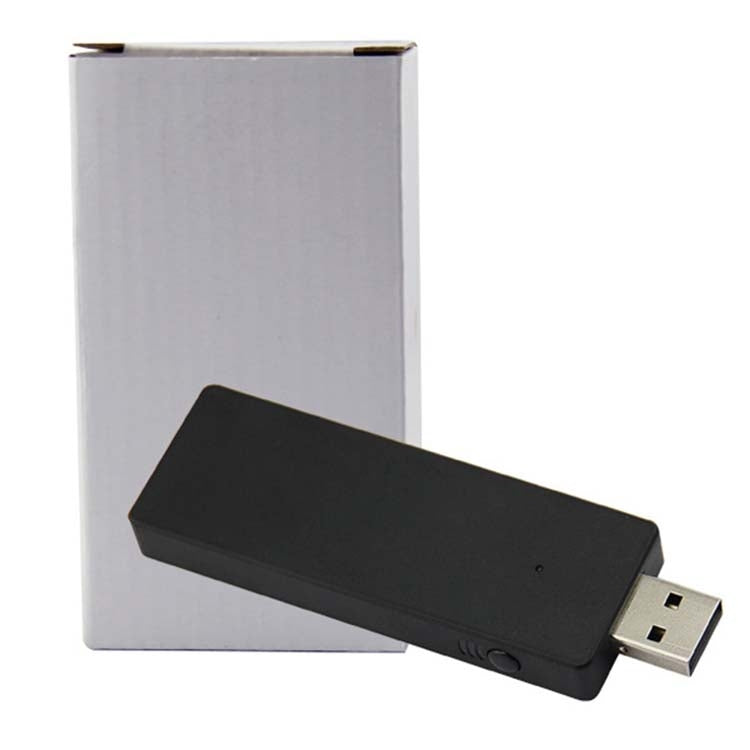
Wireless Handle Receiver 2.4G Wireless Receiver Conversion PC Receiver For XBOX ONE
Wireless Handle Receiver 2.4G Wireless Receiver Conversion PC Receiver For XBOX ONE
Sale
Sold out
Pre-order
Regular price
R 409.00
Regular price
Sale price
R 409.00
Unit price
per
Couldn't load pickup availability
Guaranteed Safe Checkout
Guaranteed Safe Checkout

Description
The Wireless Handle Receiver is an adapter designed to connect an XBOX ONE controller to a PC. It allows users to play games on their PC using an XBOX ONE controller, enhancing gaming flexibility.
- Product Type: Adapter & Cable
- Compatibility: XBOX ONE
- Material: ABS
- Weight: 10g
- Dimensions: 6 x 10.7 x 2.3 cm
- Key Feature: Wireless receiver
- Scope of Application: Connecting XBOX ONE to PC
- Instructions for Use:
- Press the pairing button on the side of the PC wireless adapter for Xbox One controller; the front light will flash slowly.
- Load the battery into the handle, press the Xbox button to start the handle; the button for Xbox will flash slowly.
- Press and hold the pairing button on the top of the controller for 2 seconds; the Xbox button on the controller will change from slow flashing to fast flashing, indicating pairing has started.
- Matters Needing Attention: If the Windows system cannot be recognized after manual update or there is no vibration, update the Windows system patch of your computer.
Questions about features, compatibility, or warranty? Chat with our local support team!